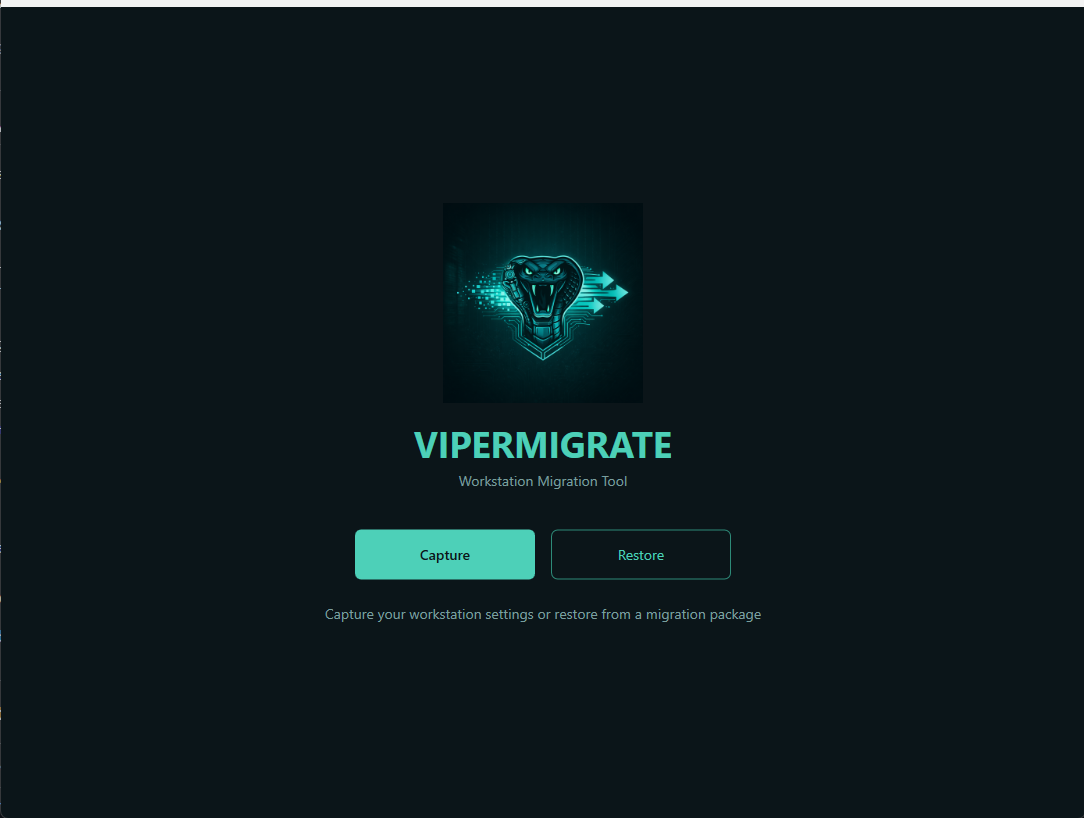
VIPERMIGRATE
Windows Workstation Migration Tool
• Active Development1. Snapshot
2. Why I Built This
Traditional workstation migrations are painful, manual, and error-prone:
- Hours spent manually reinstalling software on new machines
- Printers, Wi-Fi profiles, and drive mappings lost or forgotten
- Browser bookmarks, extensions, and settings left behind
- No consistent process across technicians or engagements
- Users frustrated by "new machine" that doesn't feel like theirs
ViperMigrate was built for IT professionals and MSPs handling PC refreshes, hardware swaps, and Windows migrations at scale. Instead of a manual checklist that varies by technician, it provides a repeatable, automated workflow:
Capture the source machine → Transfer the encrypted package → Restore on the target machine.
3. What Gets Migrated
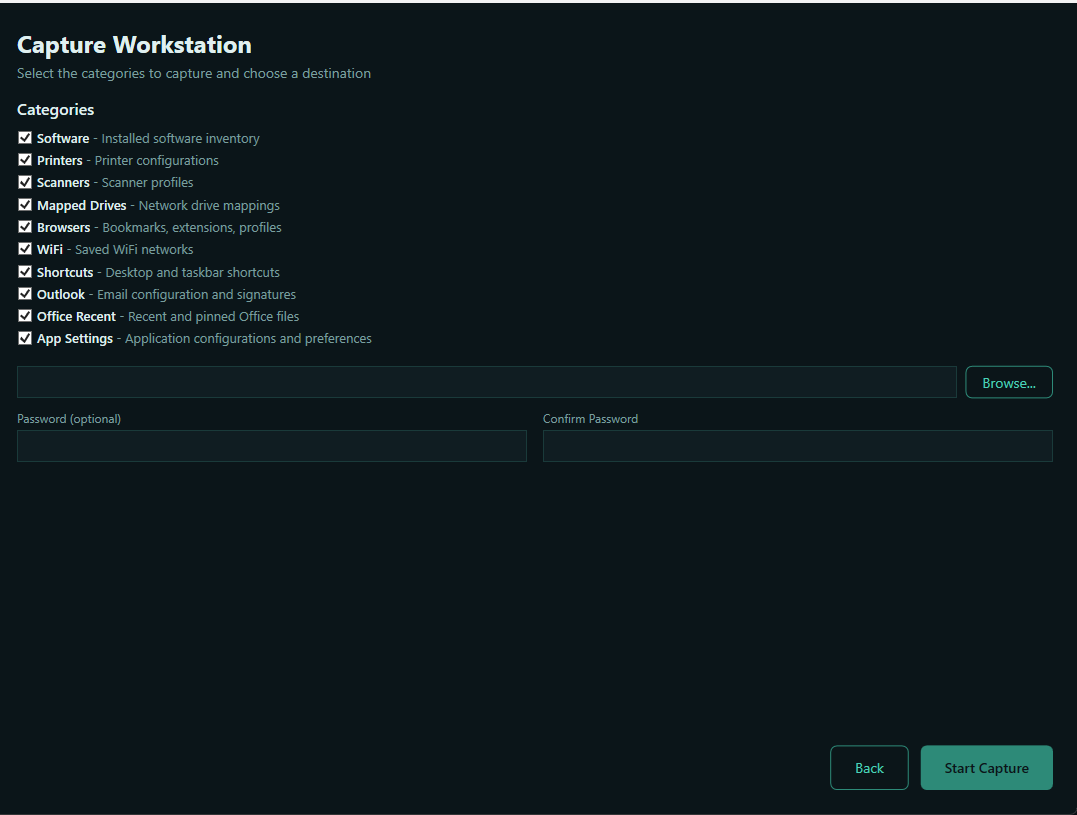
ViperMigrate captures and restores a comprehensive set of workstation configuration categories:
| Category | Details |
|---|---|
| Software | Installed applications via winget auto-install + manual install list for non-winget apps |
| Browsers | Profiles, bookmarks, extensions, and settings for Chrome, Edge, Firefox, Vivaldi, Brave, Opera |
| Printers | Network, IP, and local printers with driver resolution and multi-method IP discovery |
| Wi-Fi | Saved wireless network profiles with credentials |
| Shortcuts | Desktop, Start Menu, taskbar pins, Quick Launch, and startup entries |
| Outlook | Email signatures, recent files, and profile configuration |
| App Settings | Application configurations and profiles from AppData (roaming and local) |
| Drive Maps | Mapped network drives with credentials |
| Scanners | WIA scanner/imaging device profiles |
4. Key Features
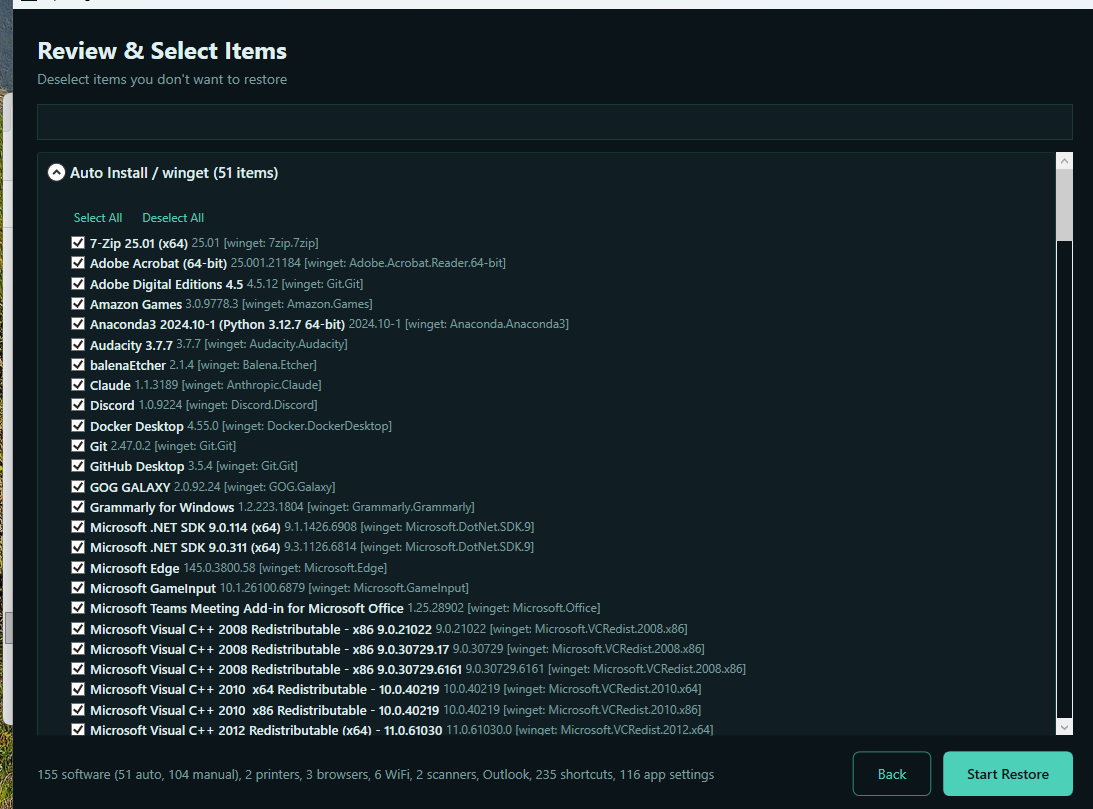
Selective Restore
Review and deselect individual items before restoring. Full control over what gets applied to the target machine.
Winget Integration
Automatically reinstalls software via Windows Package Manager. Non-winget apps are documented in a manual install list.
Encrypted Packages
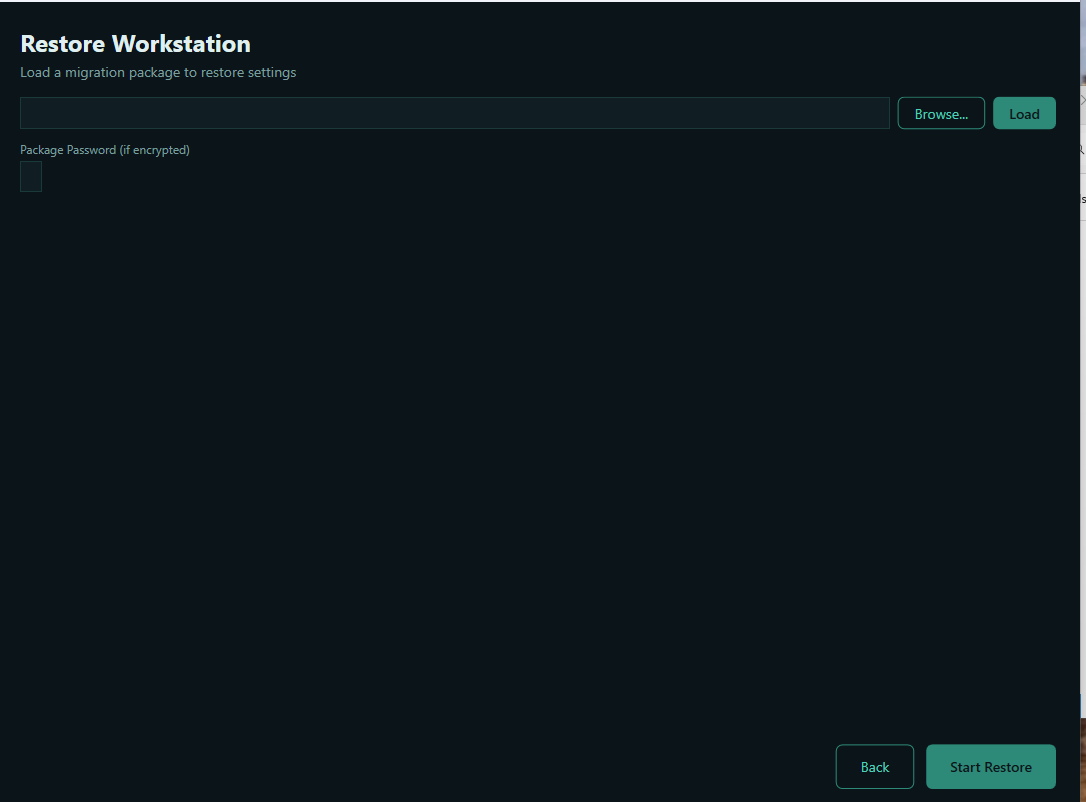
AES-256 password-protected migration packages. Credentials and sensitive data are encrypted at rest during transfer.
Staged Restore
Restore runs in phases: Software → Connectivity → Peripherals → Configuration → Verification. Dependencies are met before downstream steps.
HTML Reports
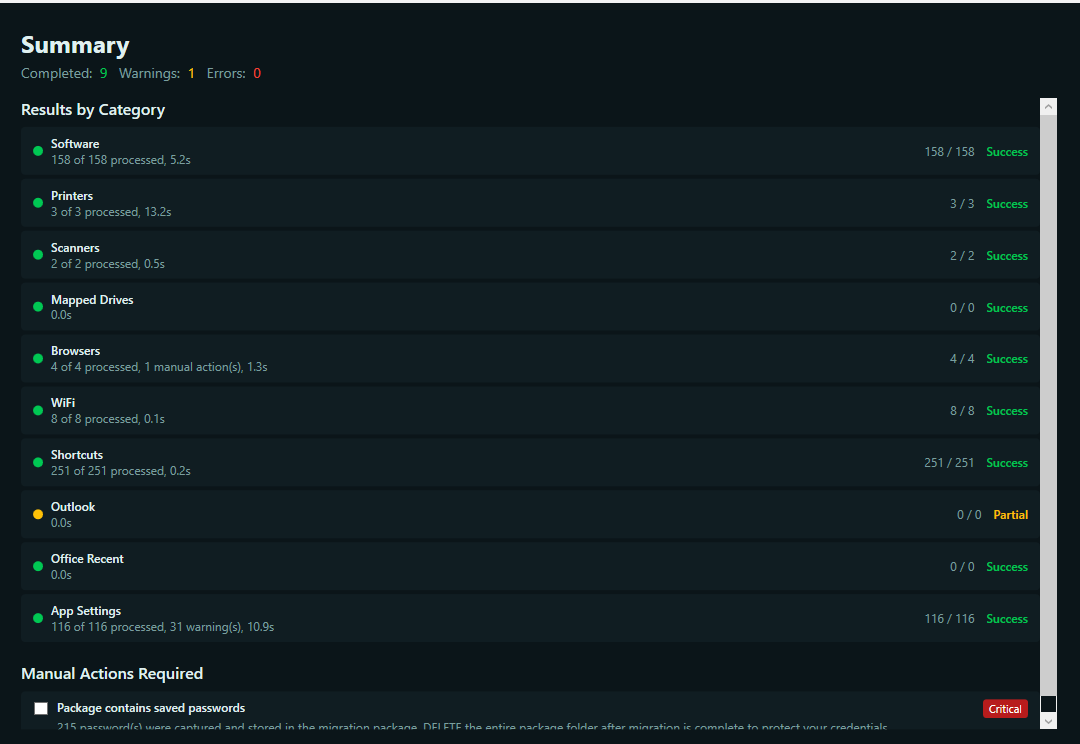
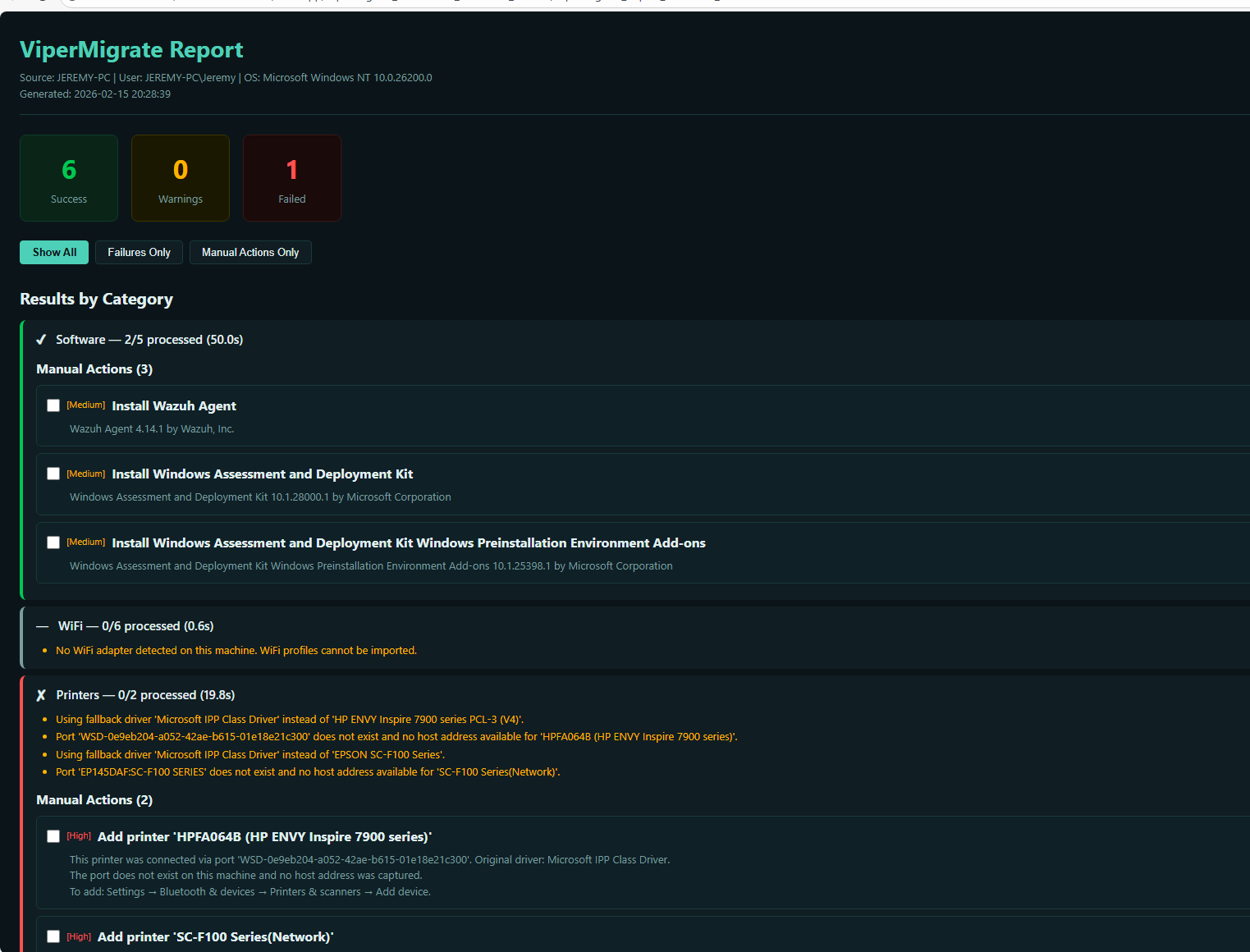
Interactive post-migration report with manual action checklists for items that couldn't be fully automated.
Smart Printer Handling
6+ method IP resolution chain, IPP auto-negotiate, and universal driver fallback for reliable printer migration.
5. Architecture
ViperMigrate follows a Collector / Applicator pattern. Each migration category has an independent pair:
- Collectors (
ICaptureCollector) run on the source machine to gather data for each category - Applicators (
IRestoreApplicator) run on the target machine to apply captured data - The MigrationPackage is the serialized data contract between capture and restore
- Each collector/applicator pair is independent — categories can be individually selected or skipped
Restore Workflow:
6. Screenshots


7. Links
ViperMigrate GitHub Repository Latest ReleaseViperMigrate is a .NET 8 WPF application. Single portable .exe, no installation required. Requires Windows 10/11 with .NET 8.0 Desktop Runtime and administrator privileges.